

Let’s say your business has a big campaign coming up. You’ve got all the content for social ready to go, and then a last minute design change happens. Suddenly all the images you’ve saved are out of date and you have to go back into Google Drive—or Dropbox, or OneDrive, or whichever storage solution your businesses uses—get the updated assets, and either add them to your Hootsuite Content Library again or save them on your desktop.
Annoying, right? It tuckered me out just typing all that. The good news is that we’ve just made it a lot easier to access your content in Hootsuite and share it on social—no matter where you store it.
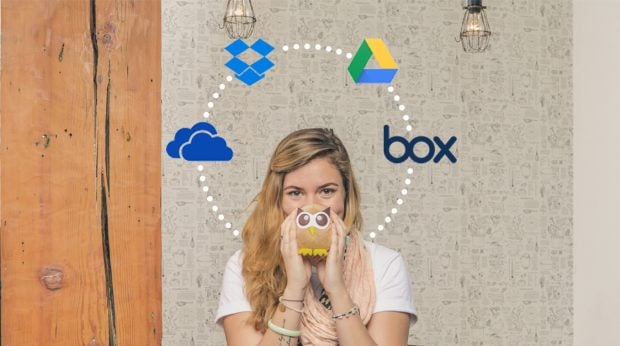
You can now add the content storage solutions. This includes:
- Microsoft OneDrive
- Dropbox
- Google Drive
- Box
- UpContent
- Flashstock
- MediaValet
- WebDAM
Add a new content source and you’ll be able to access it directly from the ‘Compose’ box in your Hootsuite dashboard. You can attach photos to your posts and publish or schedule them in fewer clicks, and it will also give you easier access to the central space your team uses to store the most recent versions of content for social.

No comments:
Post a Comment